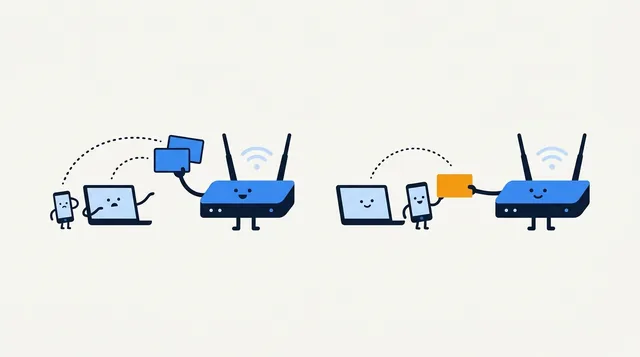
IP Address Conflict: Causes and Fixes
An IP conflict is usually a local address assigned twice. Learn how to reconnect safely, check DHCP settings, and stop the same device collision returning.
Plain-English guides to IP addresses, internet speed, DNS, Wi-Fi and online privacy, researched against RFCs, vendor documentation and regulator guidance.
Written with AI assistance and reviewed by the site's editor. Spot an error? Tell us via the contact page and we will correct it when warranted.
An IP conflict is usually a local address assigned twice. Learn how to reconnect safely, check DHCP settings, and stop the same device collision returning.
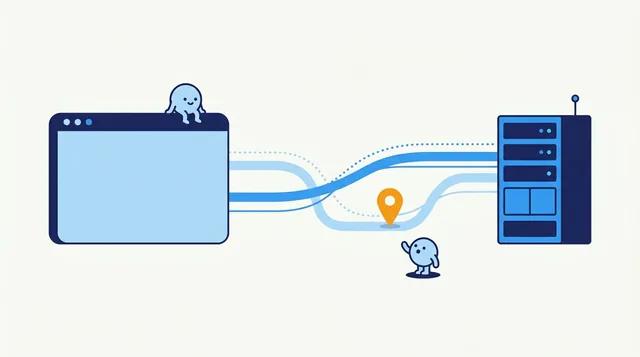
WebRTC can reveal network addresses while a VPN or proxy is active. Learn what each test result means and how to check your own setup without disabling useful calling features unnecessarily.

Your public IP identifies the network seen by websites; a port identifies a service for a particular connection. Learn what you can check and why.
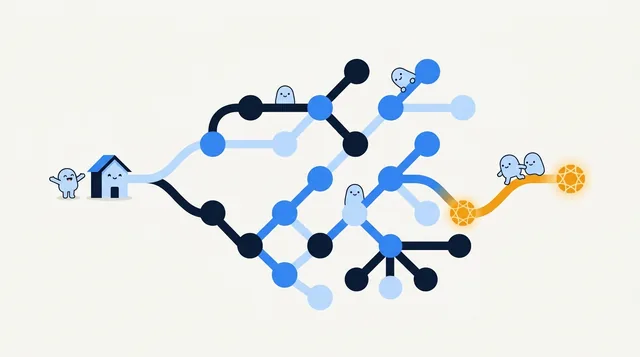
A reverse DNS lookup can show a hostname linked to an IP address. Learn how to check the PTR record and what the result can—and cannot—tell you.

Learn what an online bandwidth test measures, how to compare wired and Wi-Fi speeds, and what your results can—and cannot—tell you.

A NAT firewall helps keep unsolicited inbound connections from reaching your home devices, but it is not a full security filter. Learn how it works and how to troubleshoot CGNAT and port forwarding.
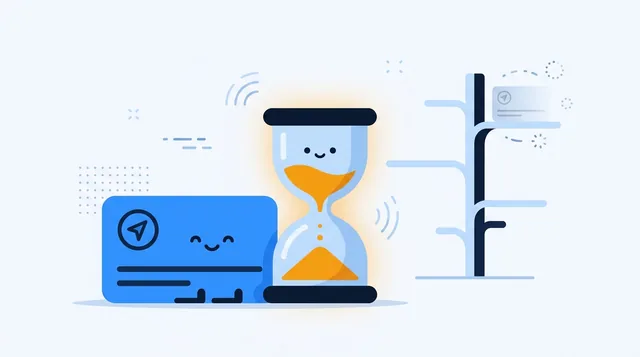
Learn what DNS TTL controls, why lowering it does not instantly clear old answers, how to choose a value, and how to check authoritative and cached results.

Ghost IP is informal networking shorthand, not one defined address type. Learn the three common meanings and how to check which one you are seeing.

Find out whether packet loss starts on Wi-Fi, at your router, or beyond it. Use repeatable tests to choose a fix and give your ISP useful evidence.

Check IPv4 and IPv6 syntax, understand common validation errors, and separate a well-formed address from one that is public or reachable.

Follow a DNS lookup, understand common records and caching, and use practical checks to diagnose a site that will not resolve.

Choose the right place to change DNS, follow current steps for your device or router, and verify the change without disturbing your IP settings.

Understand private networks, private IP ranges, and how your devices reach the internet. Includes a quick public-IP and CGNAT check.

An IP allowlist can narrow who reaches a service, but only when you enter the right public address and keep the rule current. Learn how to set one up safely.

A good speed depends on what your household does at the same time. Compare real service requirements, test Wi-Fi against Ethernet, and find the bottleneck before upgrading.

An IP tunnel carries packets through another network by wrapping them in an outer packet. Learn how it works, when it helps, and what it does not secure.

A proxy routes selected app traffic; a VPN usually protects more of your device connection. Compare what each hides, who can see your traffic, and how to check your route.

Email headers can reveal the mail servers behind a message, but usually not the sender’s home IP. Learn which Received lines matter and how to read them safely.
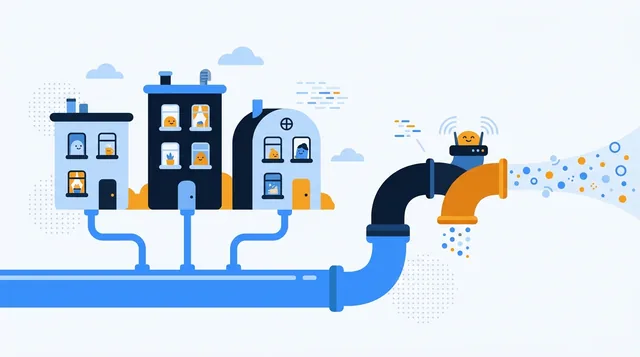
CGNAT lets an ISP share public IPv4 addresses across customers. Learn how to check your connection, what mobile IP sharing means, and which options restore inbound access.

A DDNS name follows your changing public IP, but it cannot bypass CGNAT or open ports. Learn how to choose a provider, configure updates, and troubleshoot access.

Compare your public IP before and after connecting, then check DNS, IPv6, WebRTC, and the kill switch. Practical steps cover Windows, Mac, Linux, Android, and iPhone.

Learn what the slash in a CIDR address means, calculate an IPv4 range by hand, and avoid common host-count and IPv6 mistakes.

Port forwarding lets an outside connection reach one chosen service at home. See when it helps, how to set it up, and how to diagnose a rule that fails.

Choose the right way to change a public or local IP, follow device-specific steps, and verify the result without guessing.

See your public IP in seconds, then compare it with your router’s WAN address to understand NAT, double routers, VPNs, and what the result means.

Look up a domain’s current IPv4 and IPv6 answers, then learn why that address may belong to a CDN and what it can really tell you about a website.

Choose an IP masking method by who you want to hide from, set it up on your device, and check whether websites see the new route.

Use your router for the fullest device list, then verify addresses on individual devices. Learn what DHCP, stale entries, and local scans can—and cannot—tell you.

Find your router’s current gateway, open its local admin page, and sign in safely. Device-specific steps and fixes help when the page or password does not work.

An IP lookup can show your ISP and an approximate area, but it normally cannot reveal your street address. Check what your connection exposes and respond safely to threats.

IPv6 and IPv4 are separate protocols, so an address converter cannot create a matching address. Learn how networks bridge them and what to check when IPv4 access fails.

Find the IPv6 address a website sees or the one assigned to your device. Learn how to read multiple addresses and troubleshoot a missing IPv6 result.

Get the local IP for your active Wi-Fi or Ethernet connection on any major device. Then tell it apart from your router’s address and the public IP websites see.

Find which organization registered an IPv6 network, what WHOIS and RDAP can reveal, and why the result is not a person or a precise location.

Find out which IP to check, what a listing actually means, and how to respond without confusing a mail policy result with a ban on your internet connection.

An IP listing is a clue, not a verdict. Learn how to check reports, distinguish email policy lists from abuse records, and decide what to do next.

IP location is an estimate, not GPS. Use Loqmi to separate VPN, mobile, ISP and database causes, then choose the right fix or correction path.

See what an IP address detector can reveal about your connection, why its map pin may be wrong, and how to check your VPN or network safely.

Most people can keep a dynamic public IP. Learn when a fixed address matters, how private reservations differ, and how to check whether your ISP connection is reachable.

An IPv4 address helps route traffic across networks. Learn how to read one, tell public from private addresses, and find yours on any device.
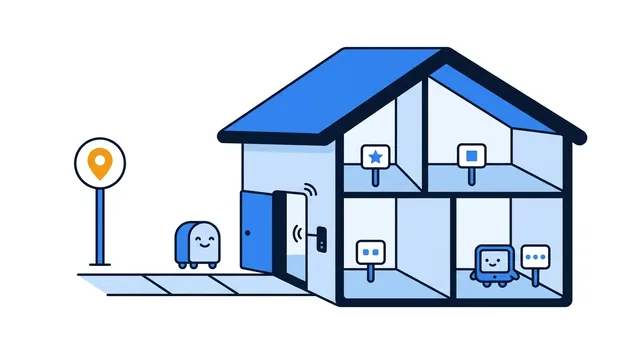
Your device and a website can show different IP addresses, and both can be right. Learn how NAT connects them, where to find each address, and which one fits the task.