Public vs Private IP Address: Which One to Use
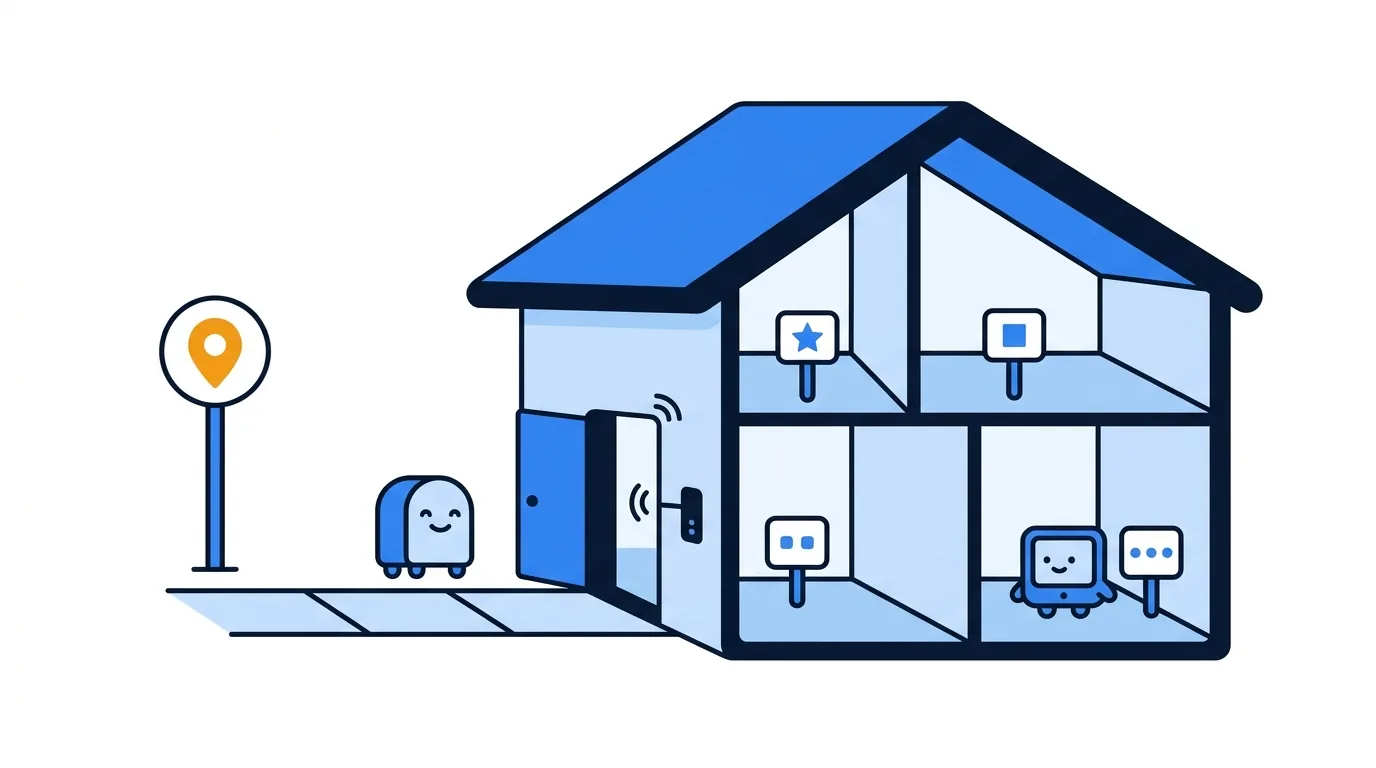
A public vs private IP address comparison comes down to scope. A public address identifies your connection as seen from the internet, while a private address identifies a device inside your local network. Your laptop can use both at once, so when its settings and a website show different values, neither one is necessarily wrong.
Here is a quick check: open Loqmi’s IP tool for the public address, then look at the active Wi-Fi or Ethernet details on your device for its local address. The first is handy for an ISP ticket or an IP location estimate. The second helps you connect a printer or another device at home. Both answers take under a minute, and no network detective hat is required.
Public vs private IP address: the practical difference
An IP (Internet Protocol) address labels a network interface so devices can send packets to the right place. A public address is announced or routed beyond your local network. A private address works inside a limited network, such as home Wi-Fi, an office LAN, or a hotspot, and is not routed across the public internet.
IANA coordinates the globally routed IPv4 address blocks and delegates them to regional internet registries (RIRs), which hand out address space to network operators in their regions.
| What you need to do | Address to use | Why |
|---|---|---|
| Tell an online service or ISP what address your connection presents | Public IP | It is the source address visible outside your network, unless a VPN or proxy changes the path. |
| Connect a printer, TV, or shared folder on the same network | Private IP | Local devices use it to find one another inside the LAN. |
| Sign in to your router’s admin page | Router’s local gateway address | The management page is normally on the local network. |
| Set up remote access to a home device | Public endpoint and a private target | The router or a secure remote-access service must direct traffic to the intended device. |
In a typical home, a router assigns local addresses with DHCP (Dynamic Host Configuration Protocol), which hands each device an address and other network settings. The same private address can appear in many homes. Two neighbors using 192.168.1.20 are like two buildings reusing apartment number 20: the number only has to be unique inside its own network.
How NAT connects the two addresses
For IPv4, a router commonly uses NAT (network address translation) when a device reaches an internet service. It swaps the device’s private source address for an outward address and keeps enough connection details to send the reply back to the right device. Think of the router as a receptionist who takes several calls on one main number and remembers which desk asked for each one.

For example, a laptop might use 192.168.1.24 locally while an outside site sees the router’s address. RFC 3022 describes traditional IPv4 NAT.
NAT does not automatically create a route for an unsolicited connection from the internet. Port forwarding is a specific router rule that sends selected traffic to a local device, and the service and firewall must allow it too. Read what port forwarding does before you set one up. NAT alone is not a full security system, so keep router and device firewalls enabled.
Private IPv4 ranges and easy-to-miss exceptions
RFC 1918 defines three private IPv4 blocks. Check the whole range: the third line below is a common home-network range, while the middle line is narrower than “anything starting with 172.”
10.0.0.0/8: from10.0.0.0to10.255.255.255.172.16.0.0/12: from172.16.0.0to172.31.255.255.192.168.0.0/16: from192.168.0.0to192.168.255.255.
Not every non-RFC-1918 address is a usable public address. For instance, 127.0.0.1 is loopback (“this device”), and 169.254.x.x is IPv4 link-local space that a device may use when it cannot get a DHCP lease. The IANA special-purpose registry lists these and other reserved blocks.
Also watch for 100.64.0.0/10. It is Shared Address Space for provider networks, not an RFC 1918 private block. If a router’s internet-facing (WAN) address is in that range, your ISP may be using CGNAT (carrier-grade NAT), which adds another translation layer upstream. See how CGNAT works. IPv6 is different: an interface may have a global address and a link-local address beginning fe80:. As RFC 4291 specifies, IPv6 link-local traffic stays on its link, and a global address still needs firewall rules.
One naming trap: Windows’ Public and Private network profiles basically control discovery and firewall behavior. They do not reclassify your IP. A setting cannot rezone the internet, however hard you click.
Find your public and private IP address
Use Loqmi’s public IP checker to see the outward address for your current connection. If a VPN or proxy is active, the result may show its exit address. For a local address, inspect the connected interface, not a disconnected adapter, a virtual machine, or the loopback interface. Menu wording varies by operating system release and device maker, much like the instructions for flat-pack furniture.
Windows 11
Open Start > Settings > Network & internet, then choose Wi-Fi and the connected network, or choose Ethernet. Select the network’s Properties and read IPv4 address. The Windows network profile setting is separate from this number.
macOS
Open Apple menu > System Settings > Wi-Fi, then click Details beside the connected network. The network details show the IP and router addresses. For Ethernet, open System Settings > Network > Ethernet > Details > TCP/IP. Use the address on the active service.
Linux
On Ubuntu, open Activities > Settings > Network or Wi-Fi, then click the settings button beside the active connection. Most Linux distributions also include the terminal command ip addr. Read the inet value under the active interface, not lo (loopback). Desktop labels differ across distributions.
Android and iPhone
On Pixel-style Android, open Settings > Network & internet > Internet, then tap the connected Wi-Fi network or its settings icon to view details. Other Android makers may put this under Connections > Wi-Fi. On iPhone, open Settings > Wi-Fi, tap the information button beside the connected network, and find the IP under IPv4. “Private Wi-Fi Address” is a rotating or fixed Wi-Fi hardware identifier, not the private IP address.
For a fuller device-by-device walkthrough, use our guide to finding a local IP address. On mobile data, the outward address comes from the carrier path. iPhone and Android settings may not show it as clearly as Wi-Fi details, so check Loqmi in the browser while on that connection.
Diagnose a difference without guessing
| What you see | What it often means | What to check next |
|---|---|---|
| Device settings and Loqmi show different addresses | Normal NAT: one is local and one is outward-facing. | Use the local value for LAN devices and the Loqmi value for an internet-facing support request. |
Router WAN address is in 100.64.0.0/10 | Provider-side shared addressing and likely CGNAT. | Ask the ISP whether it offers a public IPv4 address or another inbound option. |
| Router WAN is in an RFC 1918 range | There may be another router or upstream NAT. | Check the modem/router layout before changing port-forward rules. |
| Router WAN looks public but differs from Loqmi | A VPN, proxy, another gateway, or provider routing may be involved. | Check the active path and ask the ISP; a mismatch alone does not prove CGNAT. |
An IP lookup can help with why an IP location may look wrong, but it estimates a network location, not a street address. If the address changed after you switched networks, that is expected: an IP belongs to the connection path, not permanently to your phone.

A speed test answers a different question. Use Loqmi’s speed test to measure connection performance before and after a network change. It does not classify an address as public or private. An address check and a speed test are useful neighbors, but they do not share a toolbox.
Key takeaways
- Public and private describe routing scope. A device can use both at the same time.
- Use the public address for internet-facing checks and the private address for devices on your local network.
- RFC 1918 private IPv4 space is limited to
10/8,172.16/12, and192.168/16; check the full range. 100.64.0.0/10is provider Shared Address Space and can be a clue that CGNAT sits upstream.- NAT helps translate traffic, but firewall settings still control which incoming connections are allowed.
Frequently asked questions
Can I manually assign a private IP address?
Usually, yes. A router can reserve an address for a device, or you can configure an address on the device itself. A router reservation is often easier to manage because it keeps the device on automatic addressing while asking the router to give it the same local address. Make sure the chosen address fits your network and does not conflict with another device.
If two people have the same public IP, are they on the same Wi-Fi?
No. A mobile carrier, office, VPN provider, or home ISP using carrier-grade NAT can send many customers through one public IPv4 address. The public value identifies an outward connection point, not necessarily one router or one household. Devices on the same Wi-Fi usually share an outward address, but sharing that address does not prove they share a local network.
Can I reach a home printer using its private IP while away?
Usually not directly. A private address such as 192.168.1.40 only has meaning inside that home network, and internet routers do not route it to your house. Remote access requires a supported secure path into the network, such as a properly configured VPN or a service designed for remote printing. Avoid exposing a printer directly to the internet.
Does a public IPv6 address mean my device has no firewall?
No. IPv6 devices can have globally scoped addresses, but addressability does not decide which incoming connections are allowed. Routers and host operating systems can filter unsolicited traffic with firewall rules. Keep those protections enabled and only allow inbound services you understand and need.
Sources
- RFC 1918: Address Allocation for Private Internets
- IANA IPv4 Special-Purpose Address Registry
- RFC 3022: Traditional IP Network Address Translator
- RFC 6598: IANA-Reserved IPv4 Prefix for Shared Address Space
- RFC 4291: IP Version 6 Addressing Architecture
- Microsoft Support: Essential Network Settings and Tasks in Windows
- Apple Support: Wi-Fi Settings on Mac
- Google Pixel Help: Manage Advanced Network Settings
Related articles

Ghost IP Address: What It Means and How to Check
Ghost IP is informal networking shorthand, not one defined address type. Learn the three common meanings and how to check which one you are seeing.

Validate IP Address: IPv4 and IPv6 Rules
Check IPv4 and IPv6 syntax, understand common validation errors, and separate a well-formed address from one that is public or reachable.

Private Network: Addresses, Access, and Safety
Understand private networks, private IP ranges, and how your devices reach the internet. Includes a quick public-IP and CGNAT check.