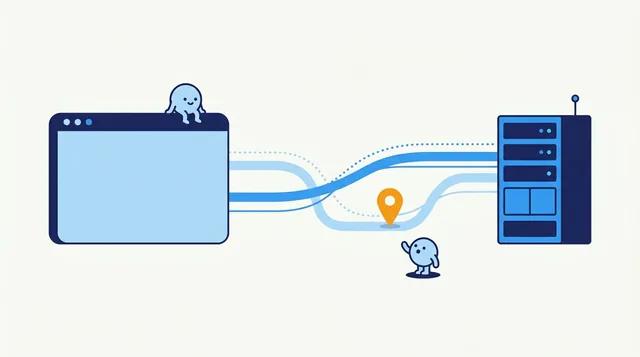
What Is a WebRTC Leak? A Clear Guide
WebRTC can reveal network addresses while a VPN or proxy is active. Learn what each test result means and how to check your own setup without disabling useful calling features unnecessarily.
This category covers VPNs, proxies, and the limits of what an IP address can protect or reveal. Start with proxy versus VPN to compare trust, encryption, and the address websites see. If you are unsure a VPN is active, follow with how to check whether a VPN is working. An IP address reveals an approximate region and your provider, not your home address, and a VPN only changes which address websites see. Check for WebRTC and DNS leaks after connecting, because a VPN that is on but leaking gives a false sense of privacy.
Use the lookup on this site before and after connecting to confirm the visible public IP. A VPN does not prevent phishing, weak passwords, or malware on your device.
Understand VPNs, proxies and public Wi-Fi, what they can protect, and the everyday security steps that reduce phishing and account risks.
WebRTC can reveal network addresses while a VPN or proxy is active. Learn what each test result means and how to check your own setup without disabling useful calling features unnecessarily.
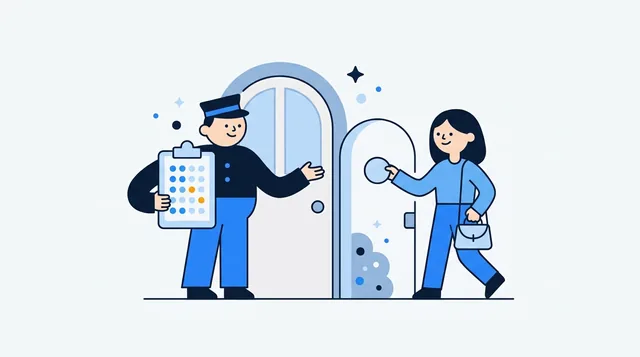
An IP allowlist can narrow who reaches a service, but only when you enter the right public address and keep the rule current. Learn how to set one up safely.

A proxy routes selected app traffic; a VPN usually protects more of your device connection. Compare what each hides, who can see your traffic, and how to check your route.

Compare your public IP before and after connecting, then check DNS, IPv6, WebRTC, and the kill switch. Practical steps cover Windows, Mac, Linux, Android, and iPhone.

An IP listing is a clue, not a verdict. Learn how to check reports, distinguish email policy lists from abuse records, and decide what to do next.