Can Someone Find My Address From My IP?
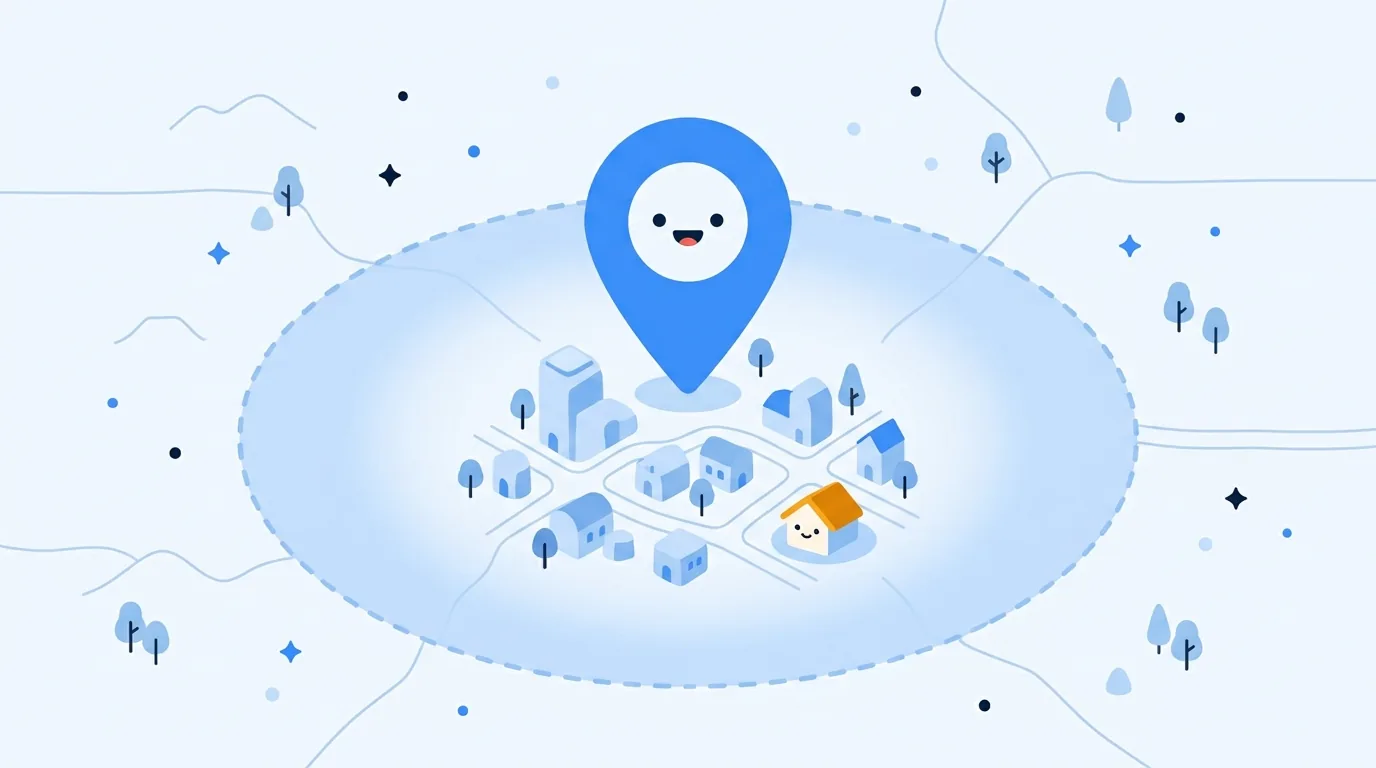
Can someone find my address from my IP? Usually not. A public IP lookup can show your internet provider and a rough network area, but it does not normally reveal your name or street address. Keep reading for a quick check of what your connection shows, and how to tell a location guess from information someone got somewhere else.
What an IP address can reveal
An IP address is a routing label, the thing that lets internet traffic find its way back to the network that asked for it. It works like a return address on an envelope: it shows where replies go, not who wrote the letter. Try Loqmi’s IP lookup to see the ISP, ASN, approximate location, and reverse DNS associated with a public IP. A website sees that network-level information, not a name tag stuck to you.
IP location databases guess a place from network prefix and provider information, not GPS. MaxMind says its data cannot identify a household, person or street, so a pin may mark an ISP gateway or an approximate center. Cloudflare also describes IP geolocation as an estimate. Accuracy varies by provider, country and connection type, so treat a street address from an IP lookup with skepticism. Think of IP location as a weather forecast for your street.
Can someone find my address from my IP?
To find anyone's IP address, someone first needs a connection where that network address is visible, such as a website visit or certain direct peer-to-peer connections. Finding an IP and finding the person or house behind it are separate steps. Ordinary lookup tools return network registration and an approximate location. They cannot open an ISP's private subscriber account.
| Who has the IP | What they may learn | What links it to a street address? |
|---|---|---|
| A person using an IP lookup | Provider or organization and an approximate area | Separate reliable identity or address information |
| A website you visit | The connection IP, time of request, and its own account or session records | An address you entered, account details or other data it already holds |
| Your ISP | Which subscriber was assigned an address at a given time | Its subscriber records; rules for access vary by jurisdiction |
| An investigator with lawful access | May request provider records relevant to a specific event | Accurate connection details and applicable legal process |
A dynamic address can be reassigned, so time matters. Shared address systems may need more than an IP and time: the IETF recommends recording source ports and accurate timestamps for internet-facing services. That is why tracing an IP address to a subscriber is a records question, not a magic lookup.
Why your public IP is not a device address
At home, a router usually uses Network Address Translation (NAT) so several devices can share one public IPv4 address. Your devices also have local, private addresses defined in RFC 1918; websites only see the public address. Your router is a receptionist who answers every outside call with the same company number.
Some providers use carrier-grade NAT (CGNAT), where several customers share public IPv4 space. RFC 6598 documents that shared address space. Mobile networks can also route traffic through gateways far from the phone. A VPN, proxy or privacy relay shows the exit address of a service, not your home's. So the location result may describe the path out to the internet, not where you are sitting.
One public address may stand in for many devices or customers. For the distinction, see public vs. private IP addresses and how CGNAT works.
What an IP cannot do by itself
An IP is not a password, a GPS tracker or a remote control button. On its own, it is a house number without a key. Knowing it does not show someone your files, messages, browsing history or which person in a household made a request. A hacker who has only an IP still needs another weakness, such as an exposed service with a vulnerability, to get into a device. Keeping software updated and leaving the router firewall on are sensible basics.
Websites can log an IP and link it to a login, cookie, purchase or details you submit. The IP did not reveal those details. The service already had them. Browser location permission is separate: Chrome explains that an allowed site can receive an estimate through location services.
A regular web page needs your public IP to reply. The service you connect to can see that address, while multiplayer games and voice apps may use central servers or direct peer connections. The service design decides whether another participant can see the address. Treat surprise “IP logger” links as untrusted, and do not click one to investigate a stranger.
Check what your connection shows
Use Loqmi's public IP tool from the same connection you are worried about. This quick check shows the public-facing result. It does not tell you what a particular site stores in its account records.
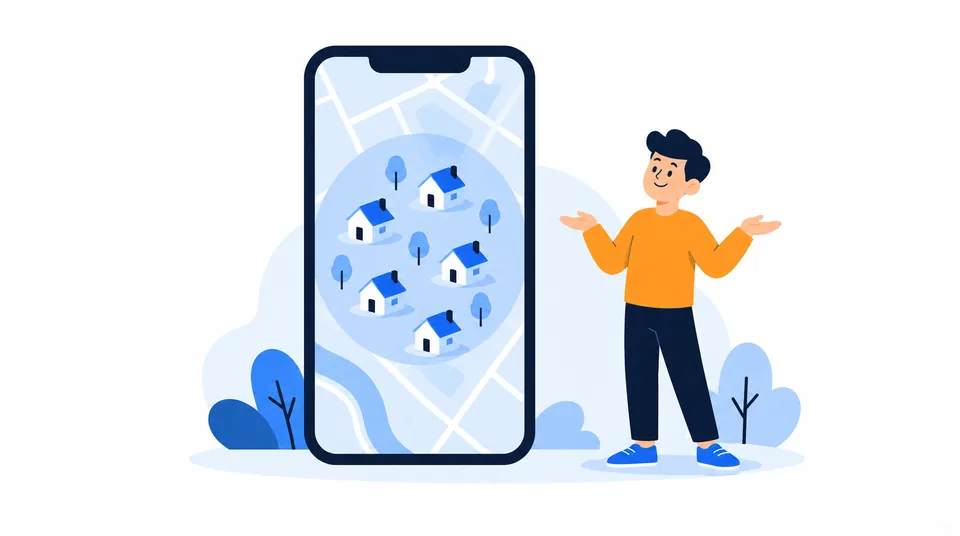
- Open Loqmi and note the ISP or network and the approximate location. Do not post your public IP in a comment or send it to someone who is threatening you.
- Check whether a VPN, proxy, work network or privacy relay is active. If so, the visible address may belong to that middleman. If it is safe and useful, compare with it turned off.
- If you can, compare Wi-Fi with cellular data. Different results usually mean different providers or gateways, not a phone that wandered off overnight.
- Compare the result with the claim. A city or provider match fits an ordinary lookup. A claimed exact street address came from another source, was guessed, or is a bluff. The IP result alone cannot verify it.
| What you see | Likely explanation | What to do |
|---|---|---|
| Your ISP and a broad area | Ordinary IP geolocation | Do not treat the map marker as a home address. |
| A different city on mobile | Carrier gateway or routing location | Check which network was active before changing settings. |
| A new provider or country with a VPN | The VPN exit IP is visible | Review the VPN or relay connection if the location matters. |
| A site has an exact address | It may have account, form, public-record or breached data | Review that account and the source of the claim separately. |
If someone says they found your home
A city, ISP or map screenshot is not a street address. Take a specific threat seriously, but do not assume the IP produced the address. It may come from a profile, public record, compromised account or someone who already knows you. A map zoom is not evidence, since maps can zoom in on the wrong place too.
- Do not confirm personal details, click their links or install software they recommend.
- Save the message, account name, link and time. Keep the original evidence private, and redact your IP and address if you need to share a screenshot for help.
- Secure relevant accounts with unique passwords and multi-factor authentication, then review active sessions and recovery details.
- Report harassment to the platform. For a credible threat to your physical safety, contact local authorities, and call emergency services if danger is immediate.
Do not test a threat by sending more information. An IP lookup cannot determine whether someone knows your address. Preserve evidence and focus on the person’s specific statements and behavior.
Choose a response that fits
A VPN or privacy relay changes the address ordinary websites see, but it adds a provider to your trust chain. It does not hide details you give a site. See ways to hide your IP address or check whether your VPN is working.
Changing DNS will not normally change your public IP. A router restart often reconnects you with the same address, much like hanging up and redialing the same number. A new address will not erase account history. If you have a reason to change it, first find out who assigned it. Our guide explains how to change your IP address.
For a security concern, update the router and devices, remove unused port forwards, and secure the account where the address may have been shared. The IP may be a clue. The account or exposed service is what needs fixing.
Key takeaways
- A public IP lookup usually shows the ISP or network and an approximate area, not a person's street address.
- ISPs keep subscriber assignment records. Websites may also know an address from information tied to an account.
- NAT, CGNAT, mobile gateways and VPNs mean an IP may represent a router, a shared network or an intermediary, not one person.
- Check your own visible result safely, preserve evidence of threats, and match the privacy response to the actual problem.
Frequently asked questions
Can police find a home address from an IP address?
An IP address can help an investigator ask the relevant internet provider which subscriber used that address at a particular time. The provider may need an exact timestamp, and shared connections can require extra details such as a source port. Whether records can be requested or disclosed depends on local law and the circumstances; a public lookup does not provide those subscriber records.
Does using incognito mode hide my IP address?
No. Incognito or private browsing mainly limits what the browser saves on your device after a session. Websites and network providers still receive the public IP used for the connection. To change the address a website sees, traffic must leave through another network, such as a VPN or privacy relay, and those services have their own trust and account considerations.
Can a game or chat user see my IP address?
It depends on how the service routes communication. A central game or chat server generally sees your connection address, while some peer-to-peer features connect participants directly and may expose addresses to other participants. Check the service's privacy and connection documentation, avoid links from strangers, and report harassment through the platform.
Will restarting my router give me a new public IP?
Maybe, but your provider controls the assignment. A restart can reconnect using the same address, and a fixed plan or carrier-grade NAT may mean the public address is shared or unchanged. Check your public IP before and after if there is a practical reason to know; restarting does not remove account data or repair a location database.
Sources
- MaxMind: Geolocation accuracy
- Cloudflare: IP geolocation
- RFC 6598: Shared Address Space
- RFC 1918: Address Allocation for Private Internets
- RFC 8805: A Format for Self-Published IP Geolocation Feeds
- RFC 6302: Logging Recommendations for Internet-Facing Servers
- Google Chrome Help: Manage your location settings
- U.S. DOJ/NIJ: Investigations Involving the Internet and Computer Networks
Related articles

Look Up ISP Details From Any Public IP
Find the network behind your public IP in seconds, then learn how to verify the result and why an ISP lookup cannot identify a person or exact address.

IP Address by Email: What Headers Can Reveal
Email headers can reveal the mail servers behind a message, but usually not the sender’s home IP. Learn which Received lines matter and how to read them safely.

How to Change Your IP Address on Any Device
Choose the right way to change a public or local IP, follow device-specific steps, and verify the result without guessing.