Why Is My IP Location Wrong? Causes and Fixes
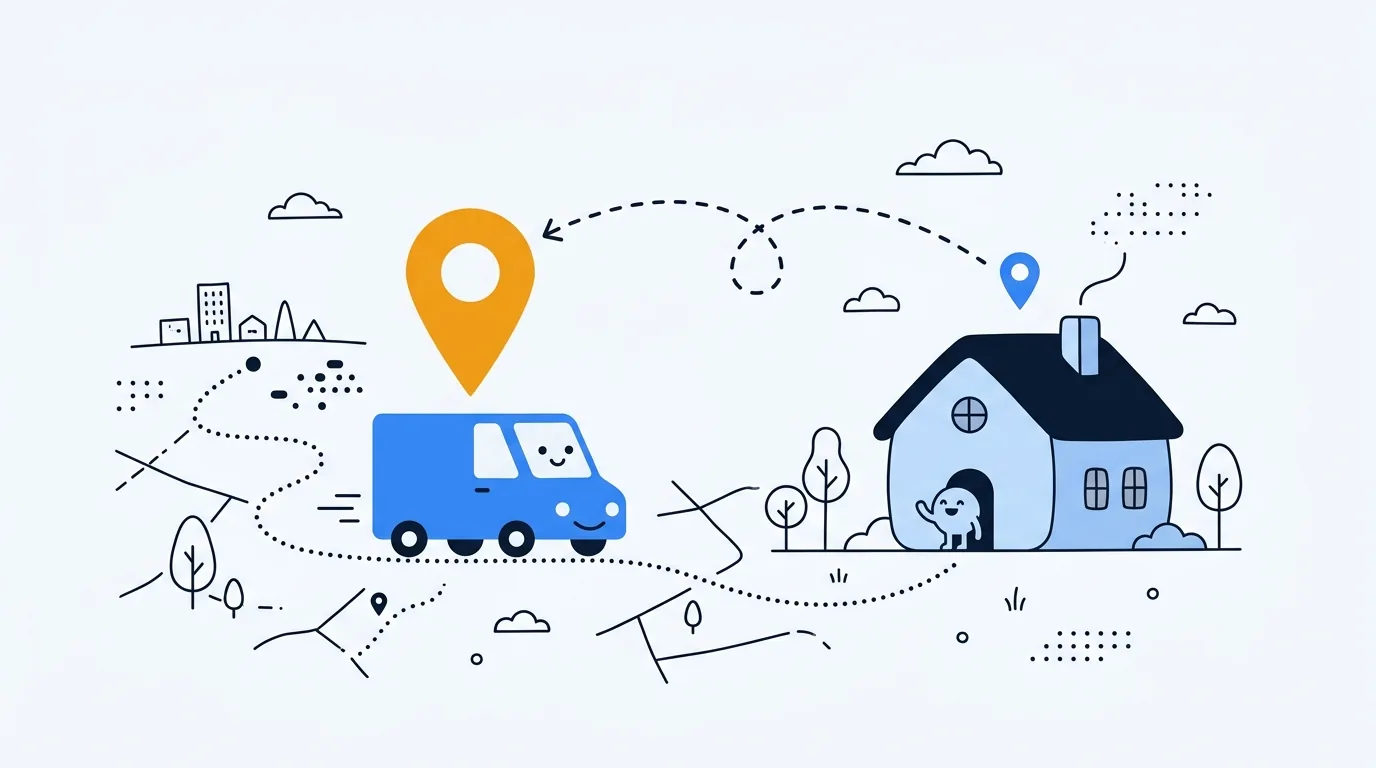
Your IP location is an estimate tied to the public network address a website sees, not a GPS reading of your device. Why is my IP location wrong? Usually, a VPN exit, mobile gateway, ISP route, or stale database can place that address in another city. A wrong pin usually means the map is limited, not that your connection is broken. Here is a quick way to find which part is responsible.
Why is my IP location wrong?
Start by separating three things: your public IP address, the location record attached to it, and any browser or device location you grant to a site. A public IP identifies the network connection visible on the internet. The location provider estimates where that address or its network is used. The address itself carries no city, street, or map coordinate.
Think of the result as the label on a delivery van. It may name the depot that serves a whole region, not your front door. To find my IP location, use Loqmi's IP lookup for the address, ISP, ASN, approximate location, and reverse DNS a site can associate with that network. You can check your IP location now without giving any site GPS permission.
Geolocation from an IP address depends on provider records. A Regional Internet Registry (RIR), such as ARIN, RIPE NCC, or APNIC, records address allocations. It is a ledger, not a live location sensor. An Autonomous System Number (ASN) tells you which network operator runs the address, not which house it serves. MaxMind says accuracy varies by country, ISP, and address type. Its data cannot identify a household or street.
Your network path can move the visible location
A VPN or proxy makes sites see its exit IP. A work tunnel may route several offices through one gateway. Mobile carriers may use regional gateways or carrier-grade NAT (CGNAT), where customers share public addresses. A database may describe that gateway rather than your phone. Our CGNAT guide explains shared public addresses.
At home, Network Address Translation (NAT) is basically a receptionist who answers every call with the same company number. It lets devices with private addresses share your ISP's public IP. DHCP hands out local addresses, and RFC 1918 defines the private IPv4 ranges. Neither one sets the public IP's location. They work backstage and have no say over the map.
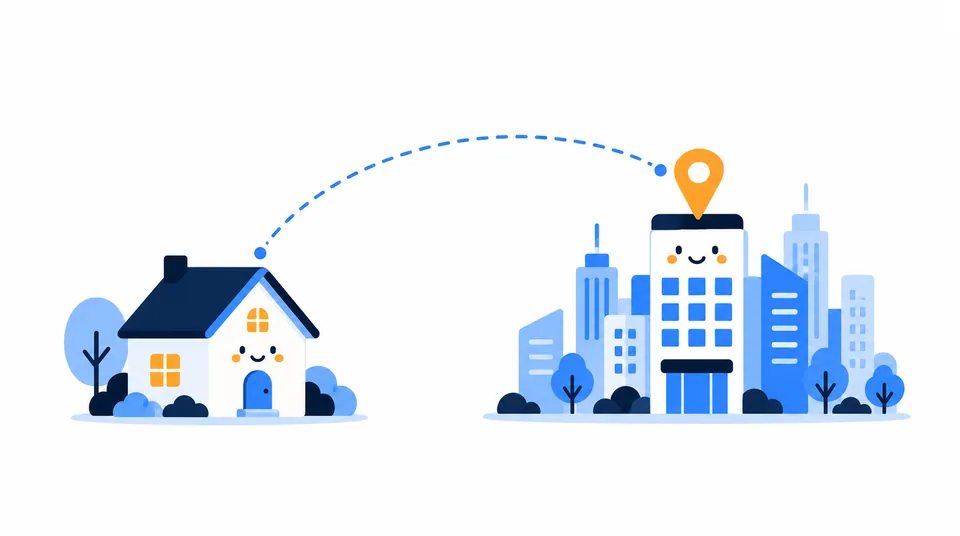
ISPs reuse address ranges and can move traffic between regions. Databases may keep an old association until someone refreshes it, much like a phone book that is a year behind. IPv4 and IPv6 can also have different mappings, so services using different address families may disagree.
Location databases can disagree
There is no master map. Sites use different datasets, update schedules, and fallback rules, so two can show different cities for the same IP, as if they had asked different mapmakers. A majority vote is not proof, because providers may share inputs or repeat stale records. (The IP map is not a democracy.)
Network operators can publish geofeeds: files that map IP ranges to broad locations. RFC 8805 defines the format; RFC 9632 explains how registries can point providers to feeds. They improve the inputs. They will not get you to a street.
Test your IP location with Loqmi
Keep the same browser open and change one connection at a time. Loqmi shows your IP, ISP, and approximate location. Compare these with the service that placed you incorrectly. Otherwise, the network changes costume mid-check.
- Open Loqmi's public IP checker. Record the public IP, ISP or network name, country, and approximate city.
- Check whether a VPN, proxy, privacy relay, or work tunnel is active. If you expect to see your home ISP, turn off only the service you recognize, reload Loqmi, and compare the IP and network name.
- If you can, repeat once on Wi-Fi and once on cellular data. If the location changes with the connection, the two networks probably exit through different providers or gateways.
- Compare the website or app that showed the unexpected place. If Loqmi and the affected site show the same IP but different locations, the site's data or account settings are the likely source.
| What you observe | Likely explanation | Next step |
|---|---|---|
| The result changes when you toggle a VPN or relay | The visible exit IP changed | Choose the route you want; each location is an estimate for that route. |
| Wi-Fi and cellular show different cities | Different ISP or carrier gateways | Use the connection you need. Ask the provider about its exit region if a service is affected. |
| Only one site shows the wrong region | That site's database, cache, or account setting | Ask the site which location source it uses and request a correction there. |
| The ISP looks right but the city is unfamiliar | Coarse mapping, regional hub, or stale record | Check with the ISP before submitting a provider correction. |
What to fix, and where to report it
Remove an unexpected network exit
If Loqmi names a VPN, hosting provider, or workplace instead of your ISP, check the network tools and extensions you use. Turn off a VPN only if you want to see your ISP address. Ask your workplace administrator about a managed gateway. A familiar city is no reason to switch off a privacy tool you meant to keep using.
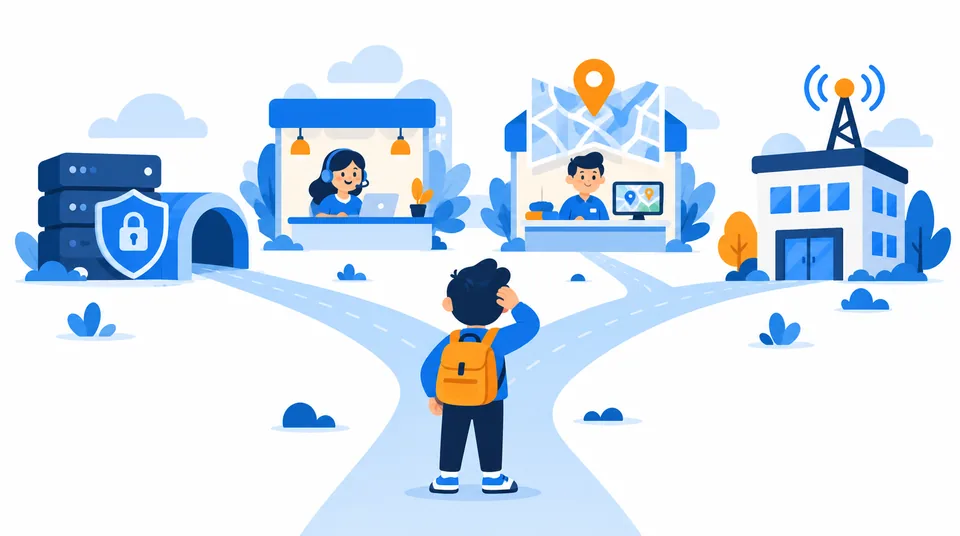
If cellular data alone points elsewhere, the carrier may route traffic through a shared gateway. There may be nothing to change on the phone. Contact the carrier only if the location breaks a service or you want an explanation of its route.
Report a database error to the right place
If only one website is wrong, contact it first. If several show the same unexpected region, identify the geolocation provider and submit a correction. MaxMind reviews correction requests but may not accept frequently reassigned or shared IPs. IPinfo has a correction process. Each provider has its own fix process.
Include the public IP, the wrong location, the ISP, and a broad location you can verify. Ask the ISP whether the address is shared, recently moved, or routed elsewhere. It may be able to update a geofeed. Your router cannot edit its network record, even after a reboot.
Keep the report lean: send only the network details needed to explain the mismatch. A home address, account screenshot, or other personal information is usually unnecessary for a rough IP-location correction.
IP location is not device location
A site can use more than IP lookup. If you allow browser location access, it may request an estimate from device signals. On phones, that can include GPS. Google explains that Chrome can get an estimate from Google Location Services and share it with the site after permission. This is separate from your IP record.
Review a site's location permission and privacy policy before granting access. Otherwise, deny permission or enter a city manually when offered. Your IP location shows how a database labels the connection. It does not show where you are standing. For the privacy boundary, read what someone can learn from your IP address.
| Common assumption | What the result actually tells you |
|---|---|
| “The city is wrong, so my internet is broken.” | Your connection can work normally while a database assigns its IP range to a gateway or broad area. |
| “A VPN will correct my location.” | A VPN changes the address websites see; its exit may map to a different city or country. |
| “A router restart will update the map.” | A reconnect might change your public IP, but it cannot update a geolocation provider's database. |
A city mismatch matters when a service blocks the wrong region or personalizes results badly. Give its support team the public IP and ISP that Loqmi reports, and ask it to review its location data. For a slow connection, use Loqmi's speed test.
Key takeaways
- IP geolocation estimates a network location; it does not measure your device with GPS.
- VPNs, mobile gateways, ISP routing, shared addresses, and database lag can all explain a mismatch.
- Compare Loqmi on Wi-Fi and cellular, and check the public IP and ISP before changing settings.
- Report a persistent error to the affected site, geolocation provider, or ISP, depending on which layer is wrong.
Frequently asked questions
How can I find my IP location now?
Open Loqmi's IP tool while connected to the network you want to check. It displays the public IP and the ISP or network label visible to websites, along with an approximate location. If you are using a VPN or mobile data, the result describes that connection's exit path. The location is an estimate, not a GPS fix or street address.
Can websites know my IP location?
A website can see the public IP used for your connection and may look it up in a geolocation database. That lookup usually estimates a country or broad area; it does not reveal an exact home address. A site can receive more precise device location only through separate signals, such as a permission-based browser request, or information you provide in an account.
How can I test my IP location?
Compare the public IP, ISP or network label, country, and city on Loqmi. Then check again after disconnecting a VPN you recognize or switching between Wi-Fi and cellular data. If the visible IP changes with the network, the route explains the difference. If the same IP is mapped differently on one site, ask that site to review its own location data.
Can Loqmi show my IP location without GPS permission?
Yes. Loqmi shows the public IP, ISP, and approximate IP-based location without needing browser GPS permission. A website that wants device-level location must request it separately through the browser or app, and you can deny that request. IP-based location remains a rough network estimate, so use it to understand the connection rather than to pinpoint yourself.
Sources
- MaxMind: Geolocation accuracy
- MaxMind: Correct a GeoIP location
- Cloudflare: IP geolocation
- Google Chrome Help: Manage your location settings in Chrome
- RFC 8805: A Format for Self-Published IP Geolocation Feeds
- RFC 9632: Finding and Using Geofeed Data
- APNIC: How accurate are IP geolocation services?
- IPinfo: Incorrect IP geolocation data update
Related articles

Look Up ISP Details From Any Public IP
Find the network behind your public IP in seconds, then learn how to verify the result and why an ISP lookup cannot identify a person or exact address.

IP Address by Email: What Headers Can Reveal
Email headers can reveal the mail servers behind a message, but usually not the sender’s home IP. Learn which Received lines matter and how to read them safely.

How to Change Your IP Address on Any Device
Choose the right way to change a public or local IP, follow device-specific steps, and verify the result without guessing.