
Ghost IP Address: What It Means and How to Check
Ghost IP is informal networking shorthand, not one defined address type. Learn the three common meanings and how to check which one you are seeing.
This category explains the addresses you meet online: public versus private IPs, IPv4 and IPv6, local addresses, and carrier-grade NAT. Start with public versus private IP addresses to understand why the address a website sees differs from the one your router gives your device. If you need to identify a device on your home network, read how to find your local IP address next; if your provider shares one public address across customers, continue with CGNAT. Private addresses are intended for local networks and are not routed across the public internet.
Use the lookup on this site to see your current public IP, then run the speed test to check the connection carrying it.
Understand public, private, IPv4, IPv6 and CGNAT addresses, plus practical ways to find the right IP on phones, computers and home networks.
Ghost IP is informal networking shorthand, not one defined address type. Learn the three common meanings and how to check which one you are seeing.

Check IPv4 and IPv6 syntax, understand common validation errors, and separate a well-formed address from one that is public or reachable.

Understand private networks, private IP ranges, and how your devices reach the internet. Includes a quick public-IP and CGNAT check.

An IP tunnel carries packets through another network by wrapping them in an outer packet. Learn how it works, when it helps, and what it does not secure.

CGNAT lets an ISP share public IPv4 addresses across customers. Learn how to check your connection, what mobile IP sharing means, and which options restore inbound access.

Learn what the slash in a CIDR address means, calculate an IPv4 range by hand, and avoid common host-count and IPv6 mistakes.

IPv6 and IPv4 are separate protocols, so an address converter cannot create a matching address. Learn how networks bridge them and what to check when IPv4 access fails.

Find the IPv6 address a website sees or the one assigned to your device. Learn how to read multiple addresses and troubleshoot a missing IPv6 result.

Get the local IP for your active Wi-Fi or Ethernet connection on any major device. Then tell it apart from your router’s address and the public IP websites see.

Find which organization registered an IPv6 network, what WHOIS and RDAP can reveal, and why the result is not a person or a precise location.

Most people can keep a dynamic public IP. Learn when a fixed address matters, how private reservations differ, and how to check whether your ISP connection is reachable.

An IPv4 address helps route traffic across networks. Learn how to read one, tell public from private addresses, and find yours on any device.
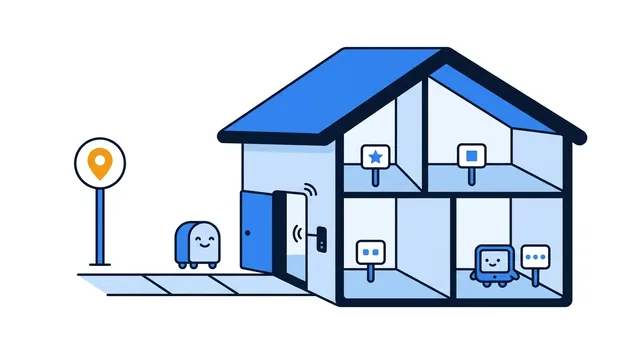
Your device and a website can show different IP addresses, and both can be right. Learn how NAT connects them, where to find each address, and which one fits the task.